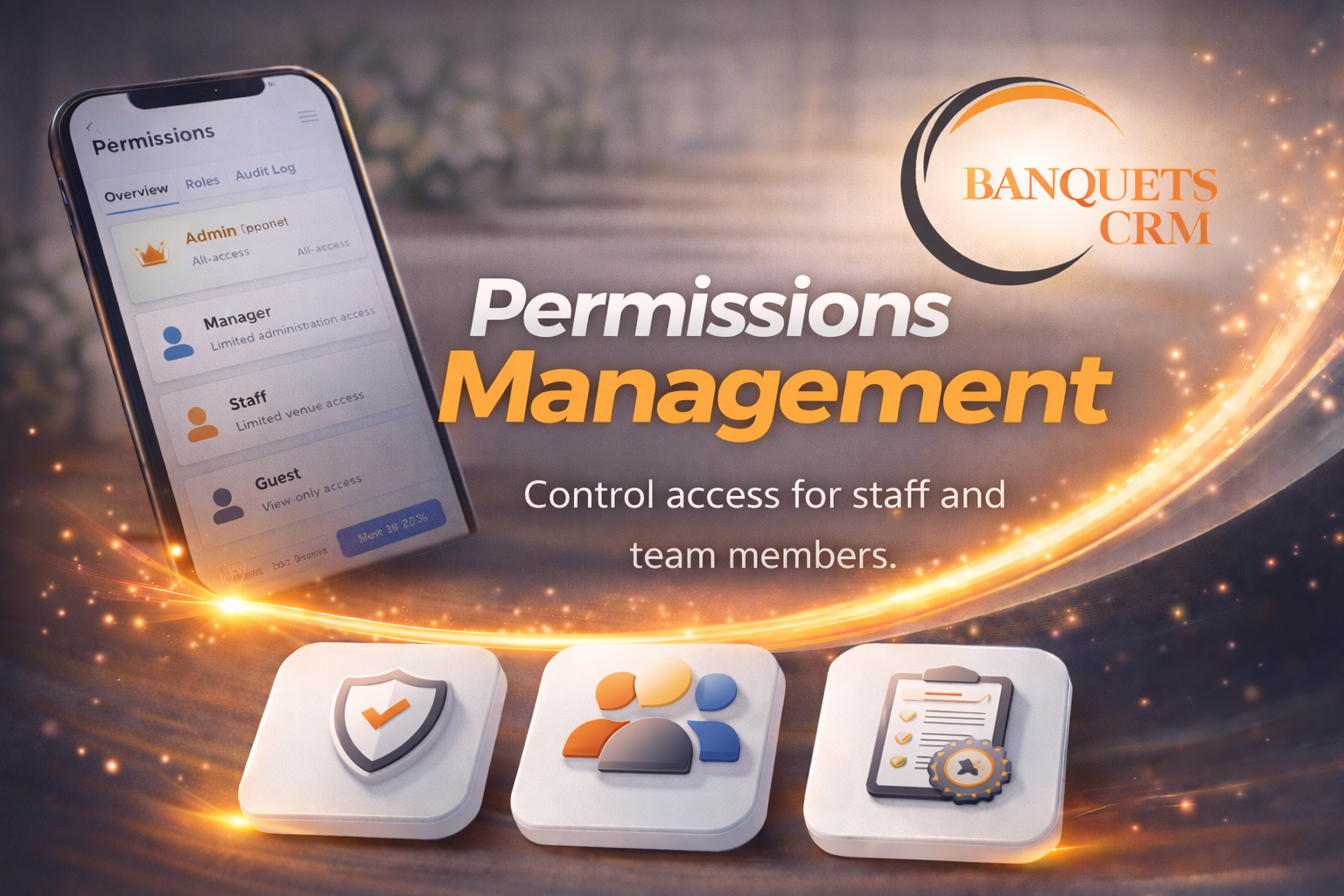
Permissions Management
Granular Control Over Every Action in the System.
Go beyond module access — control exactly what staff can do inside each module. Set View, Create, Edit and Delete permissions per role, per module. Changes apply instantly across all assigned staff.
Key Sub-Features
The core capabilities that make Permissions Management powerful.
Per-Module Permission Control
Configure View, Create, Edit and Delete independently for every module — full granularity per role.
Enforced at Every Level
Permissions are enforced on every page, button and API call — not just the navigation menu.
View-Only Roles
Create read-only roles for stakeholders who need visibility but must never modify records.
How It Works
Software solutions built specifically for the hospitality niche.
1. Create or Edit Role
Open the role in the admin panel — all modules are listed with their current permission state.
2. Set Module Permissions
Toggle View, Create, Edit and Delete on or off for each module independently.
3. Assign Role to Staff
Staff assigned this role immediately receive the configured permissions on next action.
4. Enforced Automatically
The system enforces permissions on every screen, form and API endpoint — no manual checks needed.
Elevate Your Operations
with Permissions Management
Maximise your business efficiency using BanquetsCRM — the hospitality and event management platform trusted by 500+ venues. Free to start, built to scale.
Get Permissions Management